✨ New Arrivals Just Dropped!Explore


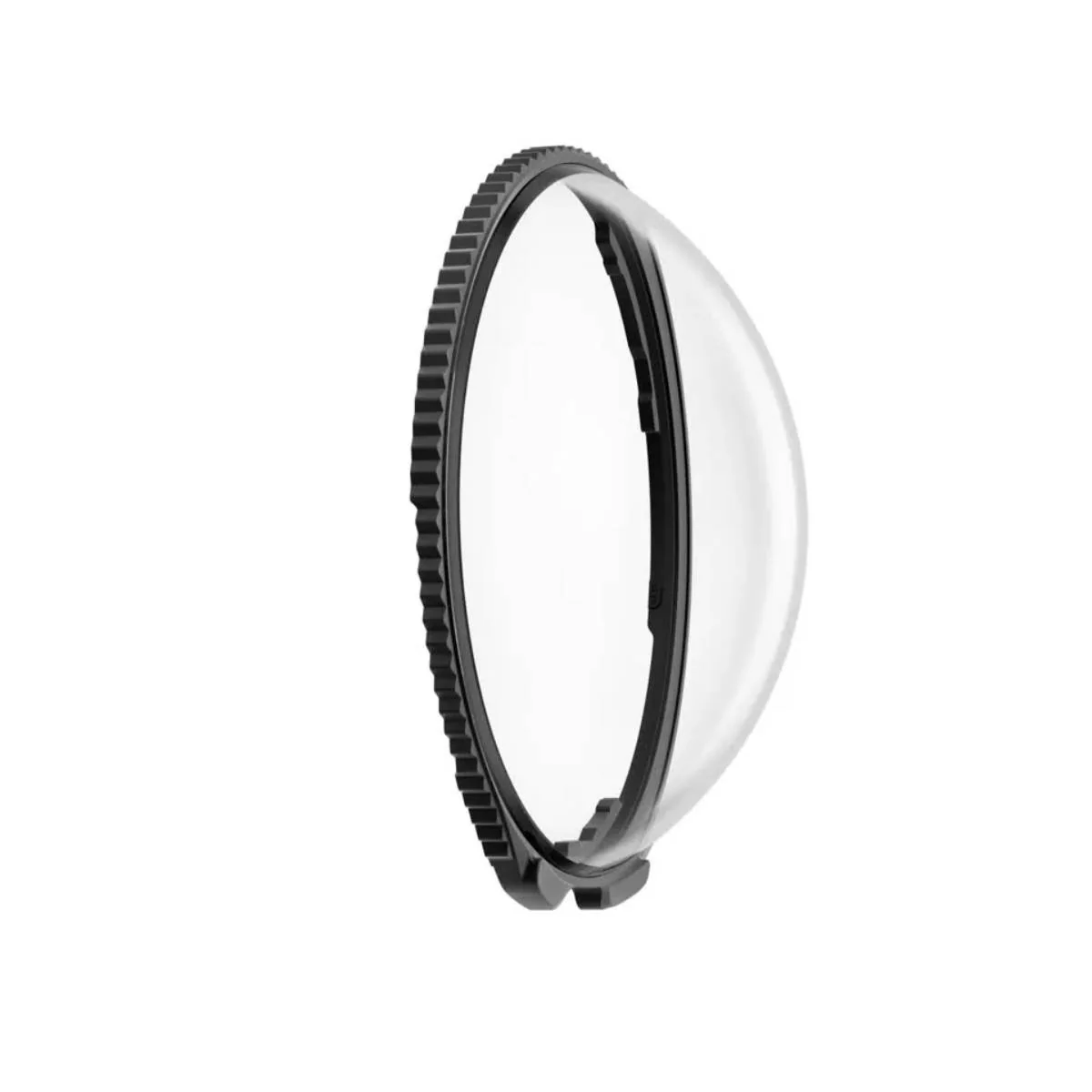
Insta360 Standard Lens Guards for X5 Camera - Clear
Handle the X5 Standard Lens Guards with care to avoid damaging the base during installation. Ensure each guard is securely fitted and properly aligned with the camera's microphone for full functionality. When installed correctly, the camera will display an icon confirming detection. Installing during recording or updates disables the setup prompt, though recognition still occurs. Lens Guards may slightly affect stitching, so point one lens at your subject for best results. Keep them dry, clean, and away from magnetic-sensitive devices for optimal performance. Product Highlights Align notches with the mic for proper camera recognition. Both guards must be secure before camera use. The icon appears only after the screen-side guard is in place. Dry wet guards with a soft cloth to prevent fogging. Secure fit ensures accurate 360 image stitching.
$7.50
Original: $24.99
-70%Insta360 Standard Lens Guards for X5 Camera - Clear—
$24.99
$7.50More Images


Insta360 Standard Lens Guards for X5 Camera - Clear
Handle the X5 Standard Lens Guards with care to avoid damaging the base during installation. Ensure each guard is securely fitted and properly aligned with the camera's microphone for full functionality. When installed correctly, the camera will display an icon confirming detection. Installing during recording or updates disables the setup prompt, though recognition still occurs. Lens Guards may slightly affect stitching, so point one lens at your subject for best results. Keep them dry, clean, and away from magnetic-sensitive devices for optimal performance. Product Highlights Align notches with the mic for proper camera recognition. Both guards must be secure before camera use. The icon appears only after the screen-side guard is in place. Dry wet guards with a soft cloth to prevent fogging. Secure fit ensures accurate 360 image stitching.
Product Information
Product Information
Shipping & Returns
Shipping & Returns
Description
Handle the X5 Standard Lens Guards with care to avoid damaging the base during installation. Ensure each guard is securely fitted and properly aligned with the camera's microphone for full functionality. When installed correctly, the camera will display an icon confirming detection. Installing during recording or updates disables the setup prompt, though recognition still occurs. Lens Guards may slightly affect stitching, so point one lens at your subject for best results. Keep them dry, clean, and away from magnetic-sensitive devices for optimal performance. Product Highlights Align notches with the mic for proper camera recognition. Both guards must be secure before camera use. The icon appears only after the screen-side guard is in place. Dry wet guards with a soft cloth to prevent fogging. Secure fit ensures accurate 360 image stitching.